
WhatsApp Business API in India: A Plain-English Guide for Creators and Small Businesses
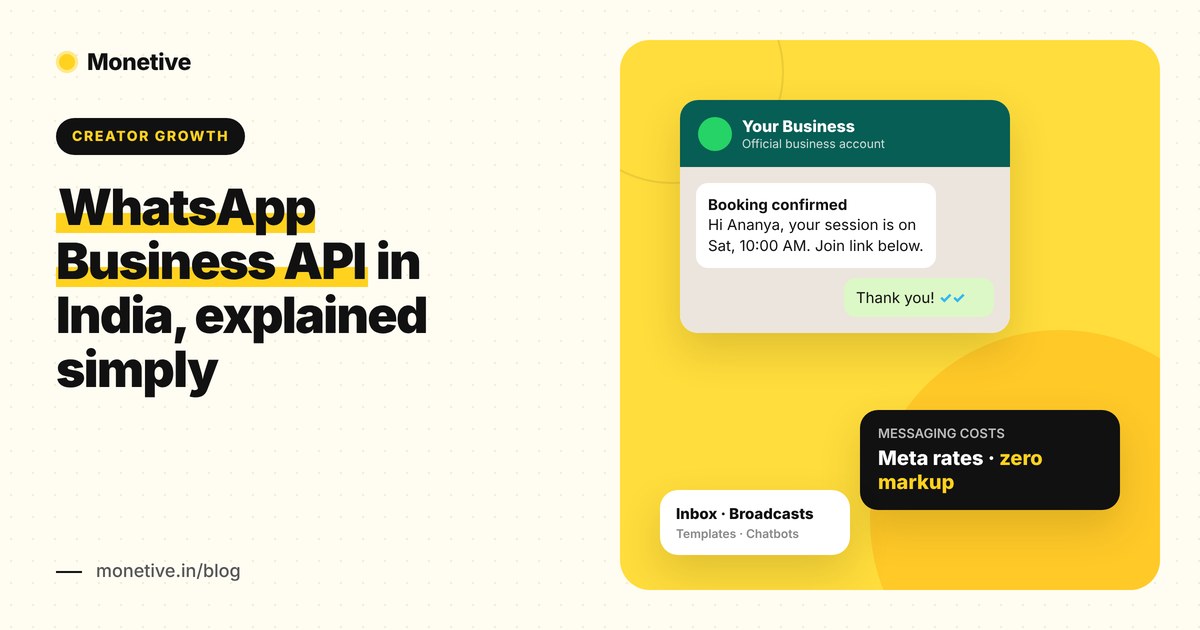
Replying to hundreds of WhatsApp chats from one phone doesn't scale. Here's what the WhatsApp Business API is, how it differs from the free app, Meta's rules and costs, and how to get started.
In India, customers don't want to fill forms or wait for emails. They want to message you on WhatsApp. That's great for sales, until you're replying to 200 chats a day from one phone, losing track of who paid and copy-pasting the same booking reminder again and again.
The WhatsApp Business API (officially the WhatsApp Business Platform) is how growing creators and small businesses handle WhatsApp at scale. This guide explains what it is, how it differs from the free app, what it costs and how to get started, without the jargon.
WhatsApp Business app vs WhatsApp Business API
| WhatsApp Business app | WhatsApp Business API | |
|---|---|---|
| Who uses it | One person on one phone (plus linked devices) | A team, through a dashboard |
| Shared inbox for staff | Limited | Yes, with assignment and notes |
| Automatic messages | Basic greeting and away messages | Order confirmations, reminders, chatbots, flows |
| Broadcasts | Only to people who saved your number | To opted-in contacts using approved templates |
| Integrations | None | Connects with your store, bookings and payments |
| Cost | Free | Meta charges per message (see below) |
Rule of thumb: if you or one assistant can comfortably handle your chats on the app, stay there. Once you need a team, automation or reliable broadcasts, the API is worth it.
What you can do with the API
- Shared team inbox. Several staff reply from one business number, assign chats and leave internal notes.
- Automatic updates. Payment confirmations, booking confirmations and session reminders are sent the moment something happens.
- Broadcast campaigns. Announce a launch or an offer to contacts who agreed to hear from you.
- Chatbots. Answer common questions ("price?", "timings?", "how to join?") instantly, then hand over to a person.
- Click-to-WhatsApp. Send people from Instagram, ads or your store straight into a WhatsApp chat.
The rules you need to know
Meta keeps WhatsApp spam-free with a few strict rules. A good provider will enforce them for you, but you should understand them:
1. Opt-in is required. You can only message people who agreed to receive messages from your business, for example by ticking "Send me updates on WhatsApp" at checkout or by messaging you first.
2. Templates for business-started messages. If you start the conversation, you must use a message template approved by Meta. Templates fall into categories such as marketing, utility (order and booking updates) and authentication (one-time passwords).
3. The 24-hour customer service window. When a customer messages you, you can reply freely with normal messages for 24 hours. After that, you need a template again.
4. Quality rating. If many people block or report your messages, Meta lowers your quality rating and can limit how many people you can message. Relevant, expected messages keep your rating high.
5. Messaging limits. New numbers start with a daily limit on how many unique customers they can contact with templates. The limit rises as you send quality messages consistently.
What does it cost?
Meta charges for WhatsApp Business messages per message, and the price depends on the template category (marketing messages cost the most, utility and authentication messages less) and the customer's country. Replies within the customer service window are treated differently from business-started templates.
Meta has updated this pricing several times in 2025 and 2026, so always check the current rate card in Meta's documentation or in WhatsApp Manager before planning a big campaign.
On top of Meta's charges, many providers add their own markup per message. On Monetive, messaging is billed by Meta directly to your WhatsApp account at Meta's rates, with zero Monetive markup. You add a payment method in Meta's WhatsApp Manager, and you can see your quality rating and costs from your Monetive dashboard.
How to get started
What you need:
- A Meta (Facebook) business portfolio for your business
- A phone number for WhatsApp that can receive an SMS or a call for verification. If the number is currently registered on the WhatsApp app, it usually has to be moved over first, so many businesses use a fresh number.
- A display name that matches your business
- A payment method in WhatsApp Manager
Connecting with Monetive:
- Upgrade to the Business plan (the WhatsApp API is a Business feature).
- Open WhatsApp API in your dashboard and connect through Meta's official sign-up flow.
- Verify your number and set your profile photo, description and website.
- Create your first templates and submit them for Meta's approval.
- Turn on automations and import or collect opted-in contacts.
The first automations to switch on
Start with messages your customers actually want:
- Order paid: "Thank you for your purchase. Here's your access link."
- Booking confirmed: date, time and joining link.
- Reminder 24 hours before a session or event.
- Leads form submitted: "Thanks, we'll get back to you soon."
- Instagram number captured: continue the conversation from your Instagram DMs on WhatsApp.
These are useful, expected messages, so they keep your quality rating healthy and reduce the number of "did you get my payment?" chats.
Mistakes to avoid
- Messaging people without permission. It's against Meta's rules and the fastest way to get blocked.
- Sending too many marketing broadcasts. Two or three relevant campaigns a month is plenty for most creators.
- Long, salesy templates. Short, clear messages with one button get more clicks and fewer blocks.
- Ignoring replies. A broadcast starts conversations. Make sure someone, or a chatbot, answers.
FAQ
Can I use my personal WhatsApp number?
It's better to use a dedicated business number. A number registered on the regular app usually needs to be moved before it can be used with the API.
Do I need a registered company?
You need a Meta business portfolio. Business verification with Meta unlocks higher limits and is recommended, but individual creators can often get started before full verification.
Will my customers see a green tick?
Not automatically. The verified badge is granted by Meta to notable brands. What customers will see is your business name and profile.
Is the WhatsApp Business API free?
The API itself is accessed through a provider, and Meta charges per message based on category. On Monetive, Meta bills you directly at its own rates with no markup from us.
Can I send messages to everyone in my phone contacts?
No. Only message people who have opted in to receive messages from your business.